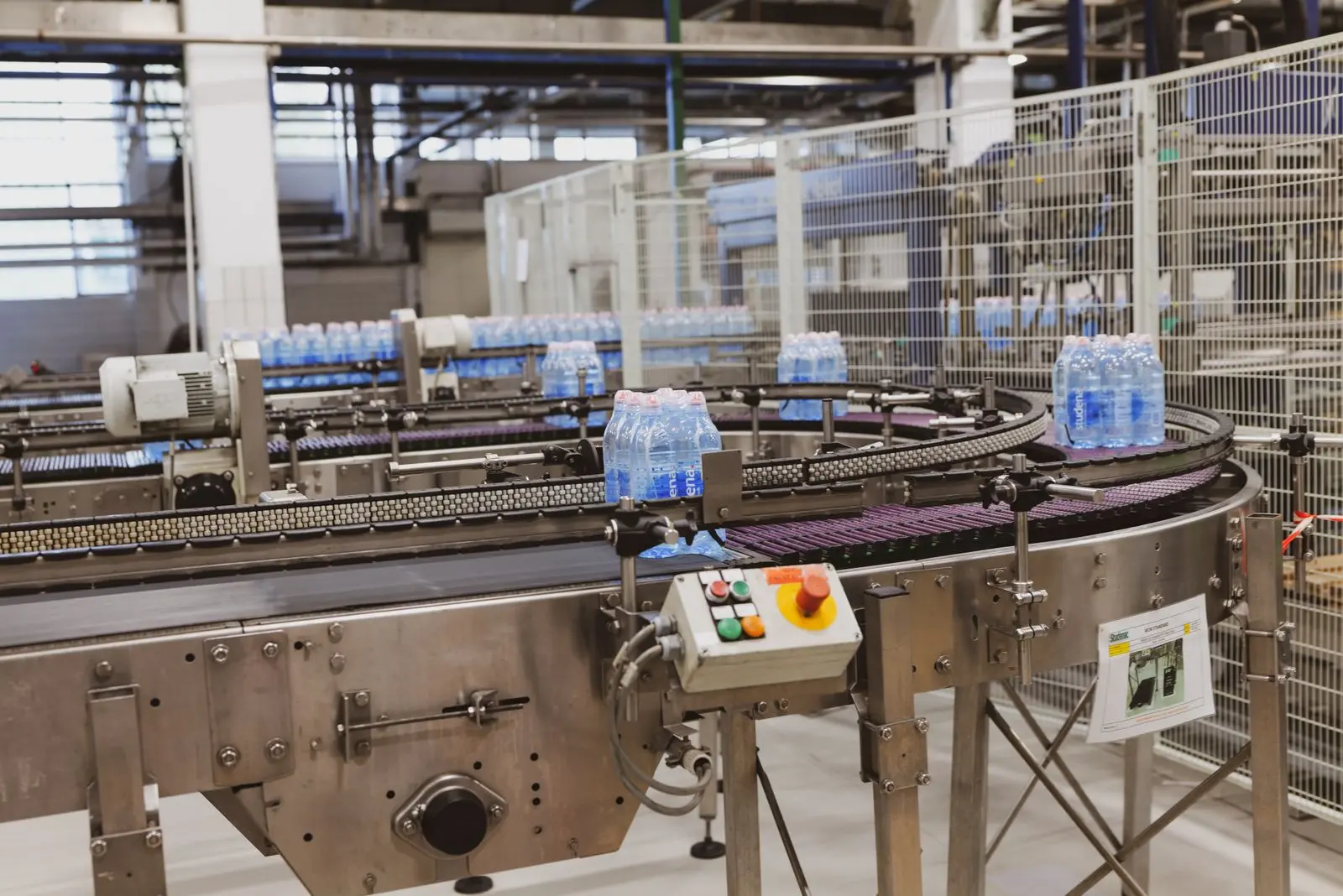
Layer geometry
Product count, orientation, interlock, gaps, edge alignment, overhang and alternating layers define each recipe.

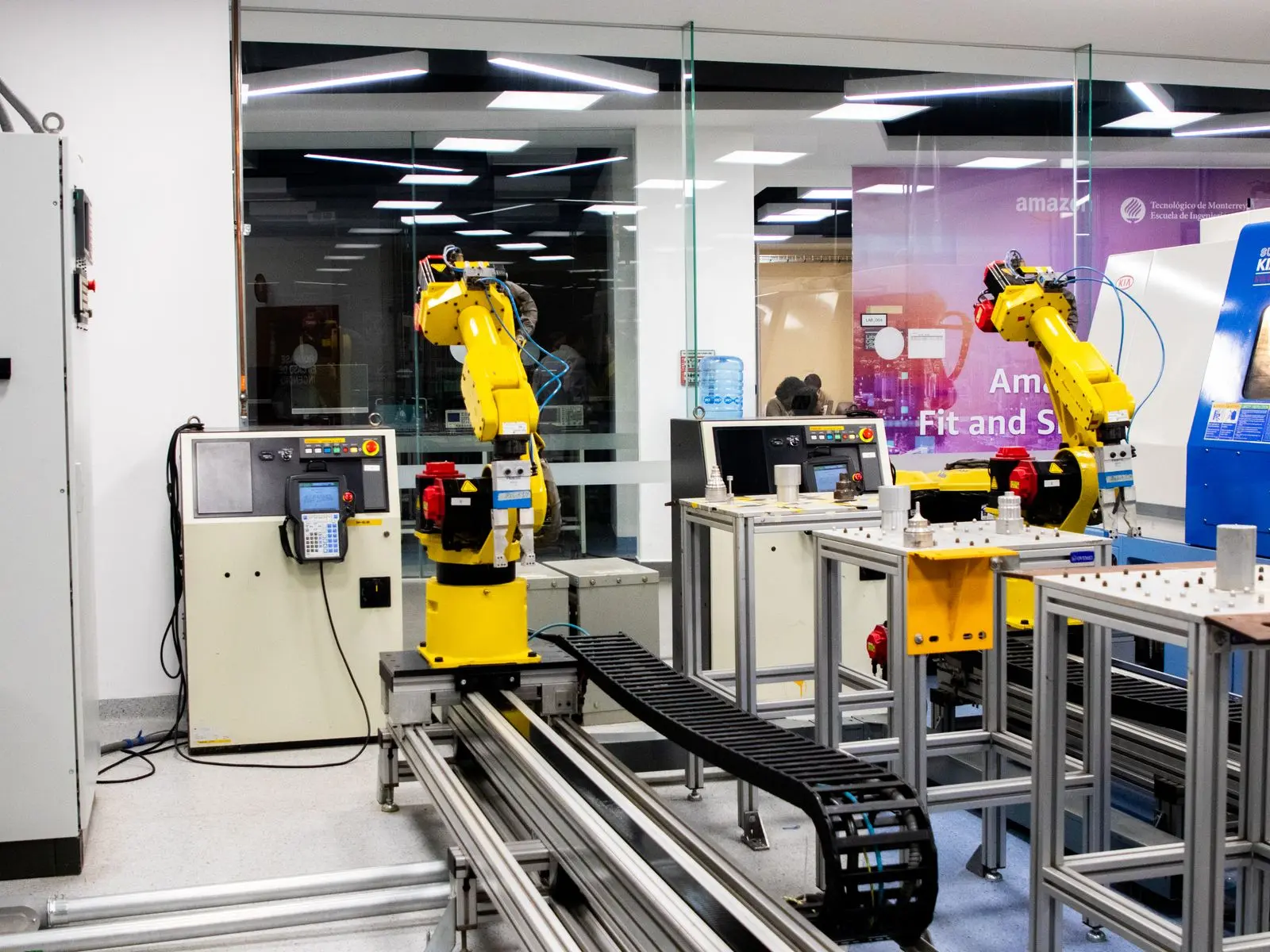
Robot recipes and pallet patterns
Turn your product and pallet formats into controlled recipes with clear layer geometry, orientation, offsets, pad handling and operator permissions.
Application engineering
A pallet drawing describes the intended finished load, but the robot also needs a pick sequence, intermediate positions, release offsets and logic for every layer. Product and pallet tolerances must be allowed for without creating collisions or unstable placement.
We develop recipes within the complete cell controls so pattern selection, product format and physical change parts remain coordinated.
Product count, orientation, interlock, gaps, edge alignment, overhang and alternating layers define each recipe.
Single, row, multi-pick or layer handling changes the order and geometry used to build the pattern.
Case variation, bag settling, collation movement and pallet condition require realistic placement allowances.
Recipe access, validation, changeover prompts and fault recovery are designed for clear production use.

Complete cell design
The control recipe can hold product dimensions, pallet datum, layer definition, placement order, orientation, offsets and pad rules. The exact functions depend on the selected robot and control architecture.
We validate recipes against samples and the complete cell so a mathematically valid pattern also works with the gripper, conveyor, product tolerance and physical pallet.
What we need to know
A current pallet drawing is useful, but photographs, samples and transport constraints often reveal requirements that are not shown on the drawing.
| Design input | Why it matters | What to provide |
|---|---|---|
| Product geometry | Actual tolerances and deformation influence spacing and achievable layer density. | Nominal dimensions, tolerance, weight and representative samples. |
| Pallet datum | Real pallet size, deck condition and location accuracy determine the placement coordinate system. | Pallet specification, tolerances, entry direction and locating method. |
| Layer definition | Orientation, interlock and gaps define load shape and build sequence. | Layer drawings, label-facing rules, overhang and edge-alignment limits. |
| Layer interfaces | Pads, trays and top frames add pick operations and change the layer height. | Pad dimensions, material, magazine quantity and insertion rules. |
| Change control | Unrestricted editing can create collisions or unstable loads. | Required user roles, approval process and permitted editable values. |
Integrated around the robot
Recipes can coordinate robot movement with product infeed, pad handling, pallet status and operator changeover steps rather than operating as an isolated program.
Controlled selection of product, pallet and pattern with validation of compatible formats and change parts.
Clear status, layer progress, prompts, access levels, alarms and recovery guidance designed around operator tasks.
Product code, barcode or upstream signals can support recipe confirmation where the wider control architecture allows it.
Project route
A palletising project is only complete when the robot, product flow, pallet handling, control system and operator access work together. We keep the system boundary clear from the first layout.
See complete cell integrationProducts, rates, patterns, pallet formats, line interfaces and site constraints.
Robot, end effector, conveyors, safety architecture, controls and cell layout.
Programming, dry testing, product trials, recipe checks and agreed acceptance evidence.
Installation, commissioning, operator training and production handover.
Frequently asked questions
Controlled pattern editing can be designed into the HMI where appropriate. Editable values, user permissions and validation limits should be defined so a new recipe cannot create an unsafe path or unstable load.
Yes. Recipes can define alternating layer geometry, orientation, offsets and pad insertion where the product and gripper support the required sequence.
Barcode or upstream product-code confirmation can be integrated where suitable. The control design should also prevent an incompatible product, gripper or pallet format from running.
Recovery logic can track layer and placement progress, then guide an authorised restart, manual correction or layer clear-down. The correct approach depends on product behaviour and cell safety.
Often, but it depends on the robot controller, available source program, HMI and PLC architecture, tooling and access to the existing machine safety documentation. We first review the installed system and change-control requirements.
Related systems
A robot can place every case at the programmed coordinates without proving that the finished load is suitable for storage and transport. Review the pallet pattern with the people responsible for wrapping, forklift handling, racking and dispatch. Their constraints may change the preferred layer arrangement even when several patterns fit the pallet mathematically.
Provide the actual case condition, pallet specification and load-securing method. Include label-facing requirements, permitted overhang and any downstream depalletising or order-picking task. Assess the intended load under the appropriate customer-approved handling and stability review, rather than treating a stationary photograph of a full pallet as the complete acceptance result. HSE pallet guidance addresses pallets as bases for assembling, storing, handling and transporting loads.
Keep the approved combination of product, pallet, pattern and securing method together in the recipe documentation. A change to board, bag fill, pallet construction or wrapping arrangement may need reassessment even when the robot coordinates stay the same. Send a photograph of your current finished load and explain its journey after palletising so the pattern review covers the production outcome you actually need.
No. The completed product, pallet and securing arrangement need assessment for the intended handling and storage route.
Provide the product and pallet specifications, load-securing method, label-facing rules and downstream handling or depalletising requirements.
Plan the complete pallet handling route Review case and carton palletising
Start with the application
Send the packaged-product dimensions and mass, current line rate, required pallet pattern, available space and a photo or video of the end of the line. We will identify the next technical step.
Planning a palletising project?
Send the product dimensions and weight, target output, pallet size and a photo or short video. We will review the application and identify the next technical step.